Compare dates directly
Selecting a day shows its corresponding date in all three calendars. Any of the calendars can be the primary month view.

Mobile & desktop app · PROJECT BREAKDOWN
Shamsi, Gregorian, and lunar Hijri dates in one offline calendar. Built around a familiar, personal experience in Dari and English.
A calendar should make a date easier to understand. Afghan Calendar brings three date systems together and carries the same thoughtful interface across Android and Windows.
Selecting a day shows its corresponding date in all three calendars. Any of the calendars can be the primary month view.
Calendar conversion and navigation work locally, without accounts or a date-fetching service.
Dari and English, configurable week starts, and several color themes make the calendar adaptable to its users.
Shared Kotlin code · Android & Windows · Date conversion · Dari & English
The core parts of the project, and the responsibility of each.
Common code holds date calculations and the shared calendar experience.
Month navigation, date selection, and themed components are reused across Android and the desktop application.
Android integrates with its activity and lifecycle; the desktop target is packaged for Windows.
Choose a calendar
Browse a month
Select a day
Compare all three dates
The features, boundaries, and implementation choices that shape the project.
The project uses a Birashk-cycle calculation for Shamsi dates and a tabular civil calculation for lunar Hijri dates, alongside Gregorian dates.
Saturday, Sunday, and Monday are available as the start of the displayed week.
Dari and English labels use Vazirmatn and Inter. The interface adapts language and calendar presentation together.
Yellow, blue, red, green, and brown themes pair with light, dark, or system appearance.
Real views of Afghan Calendar.
Select a screenshot to view it in full.
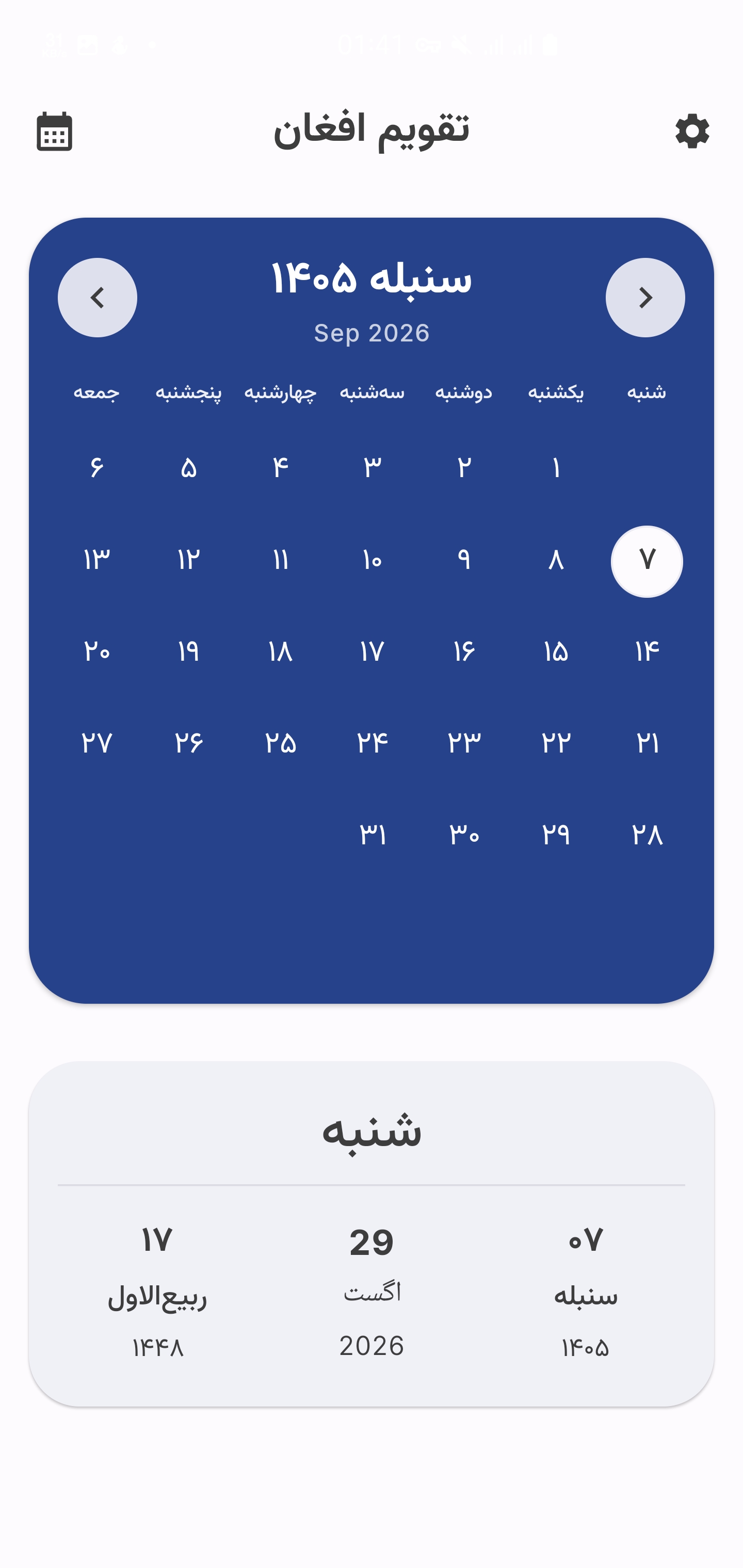
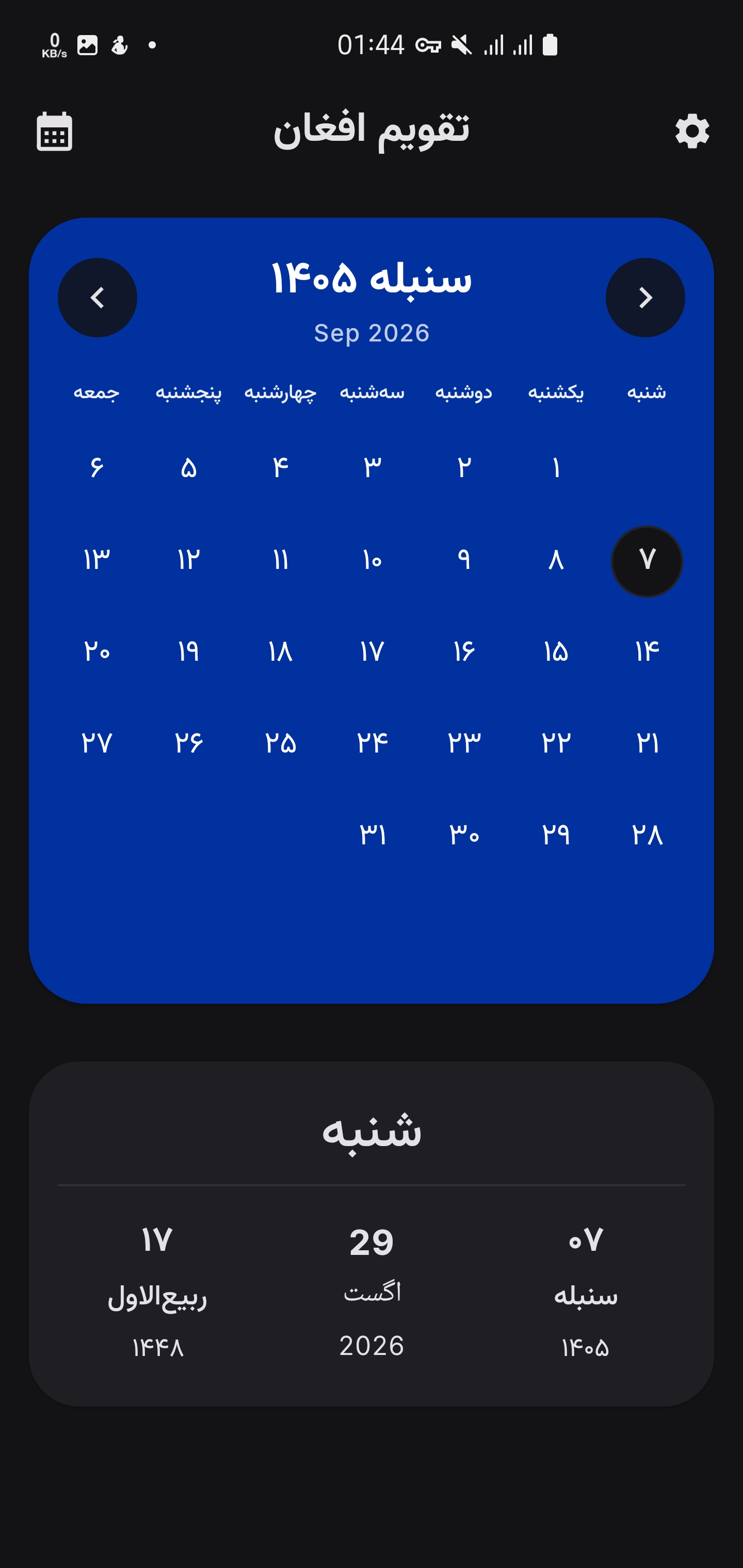
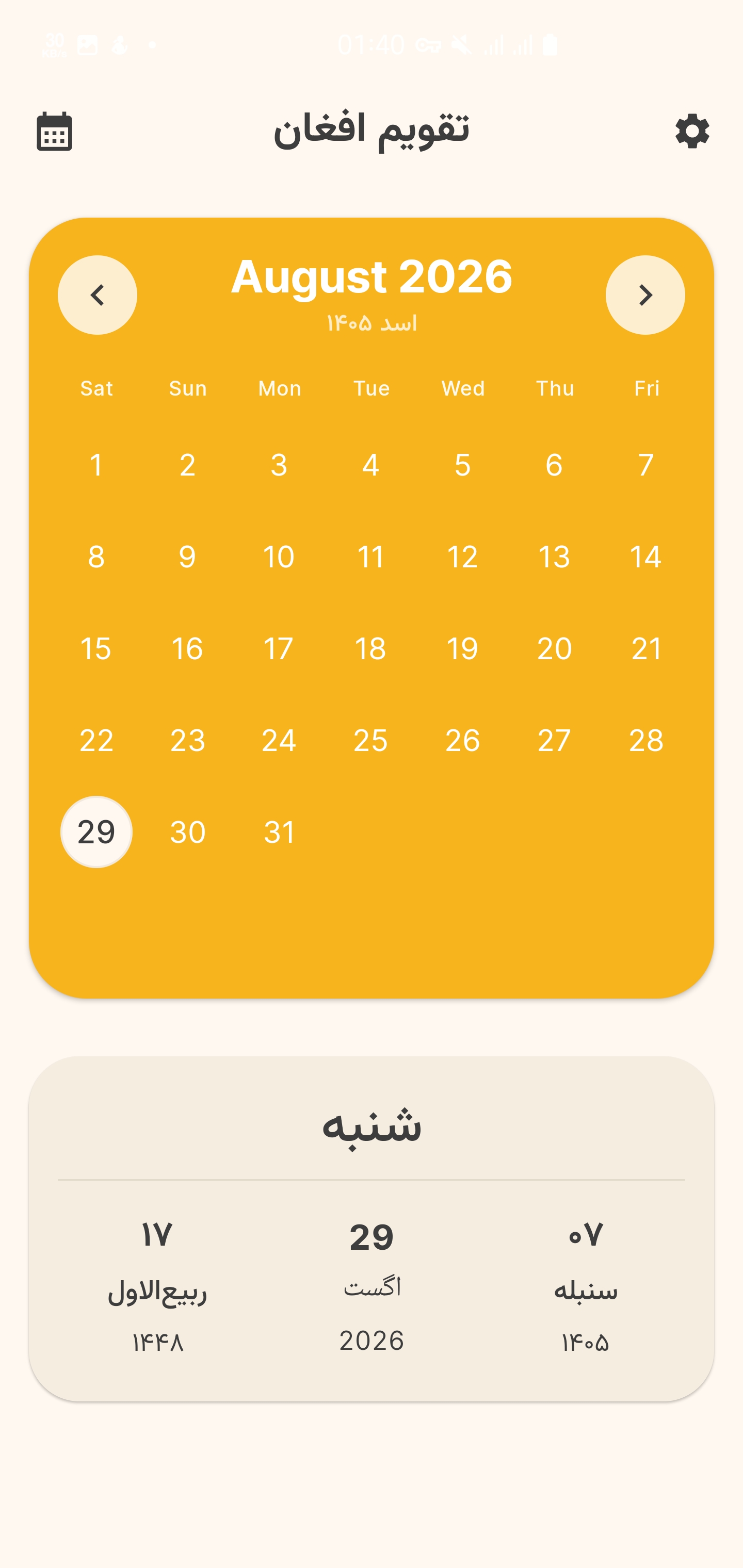
What the project uses, and where each technology fits.
Implements the date calculations and application behavior.
Reuses calendar screens and components on Android and the desktop JVM target.
Supplies the component and theme system.
Builds Android packages and the desktop application, with Windows distribution tasks.
How to explore the project, what it needs to run, and the current release status.
Android and Windows are documented build targets.
The repository links to GitHub releases and explains APK and Windows package choices.
Date calculations and month browsing take place on the device; the app does not require an account.
The calendar logo is adapted directly from the app’s Android launcher vector.