Direct from disk
Files and folders stream with manifests instead of being zipped or duplicated before sending. Parallel workers help with collections of small files.

File transfer app
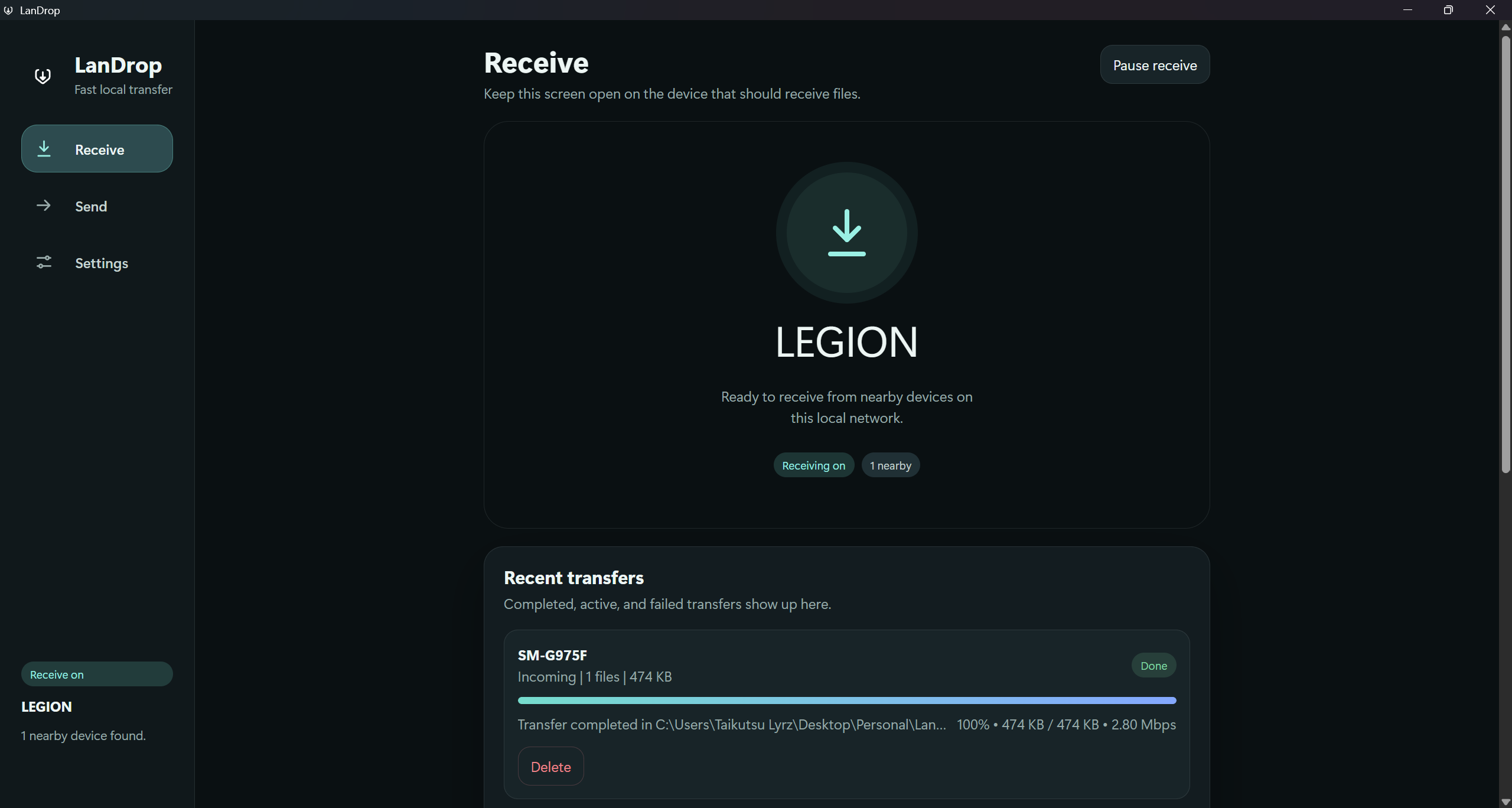
LanDrop is my file-sharing app for Windows and Android. I built a clear, local workflow for moving files and folders between devices, without cloud accounts or shared-folder setup.
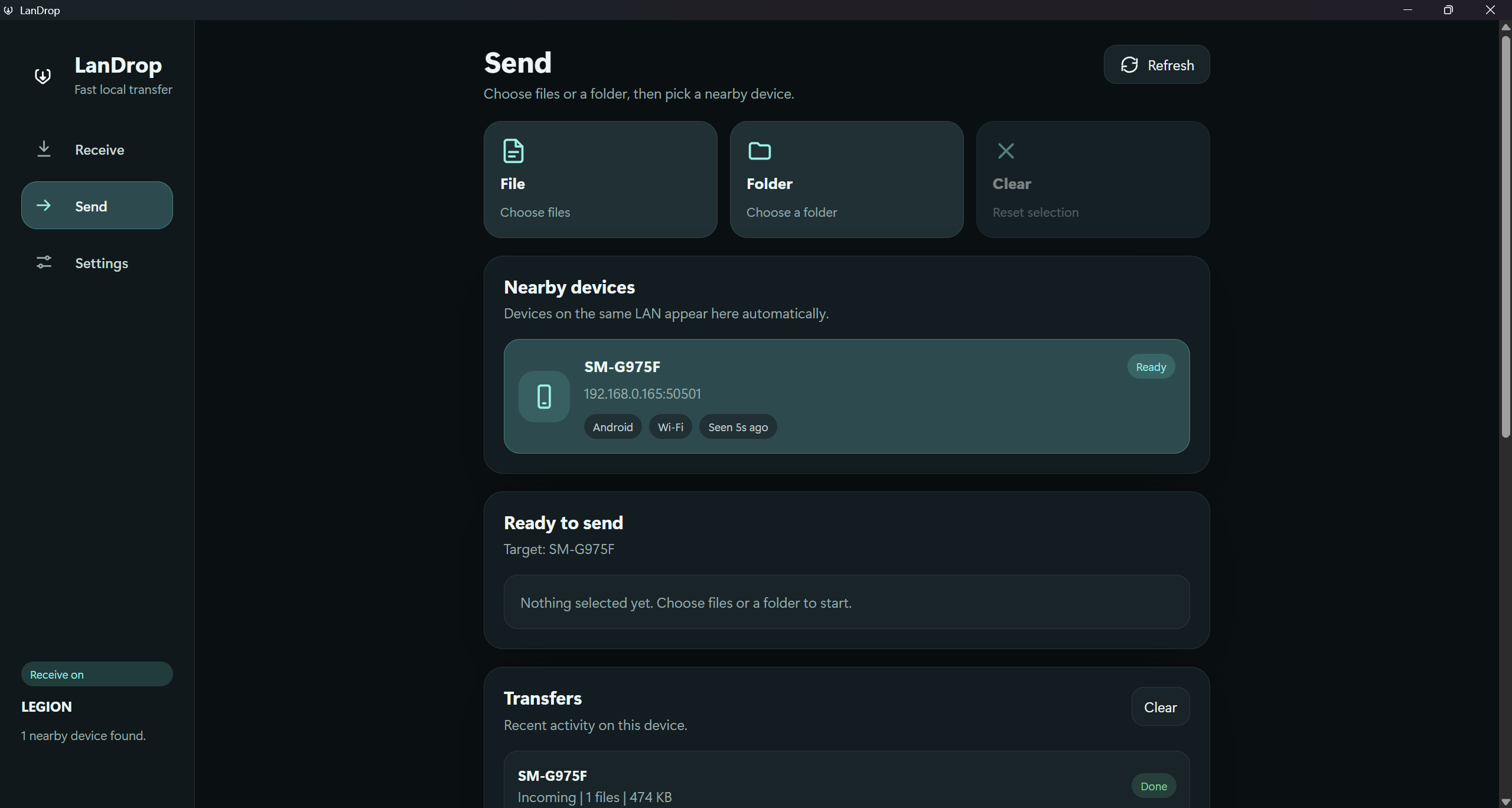
Moving a folder between a phone and a PC can involve accounts, uploads, or shared-folder setup before the actual transfer starts. LanDrop makes the local network the starting point: discover a device, choose what to send, and let the receiver decide. The interface keeps the network machinery behind a familiar send-and-receive workflow.
Files and folders stream with manifests instead of being zipped or duplicated before sending. Parallel workers help with collections of small files.
UDP broadcast finds nearby devices. Manual IP entry remains available, and Windows prefers Ethernet when choosing an adapter.
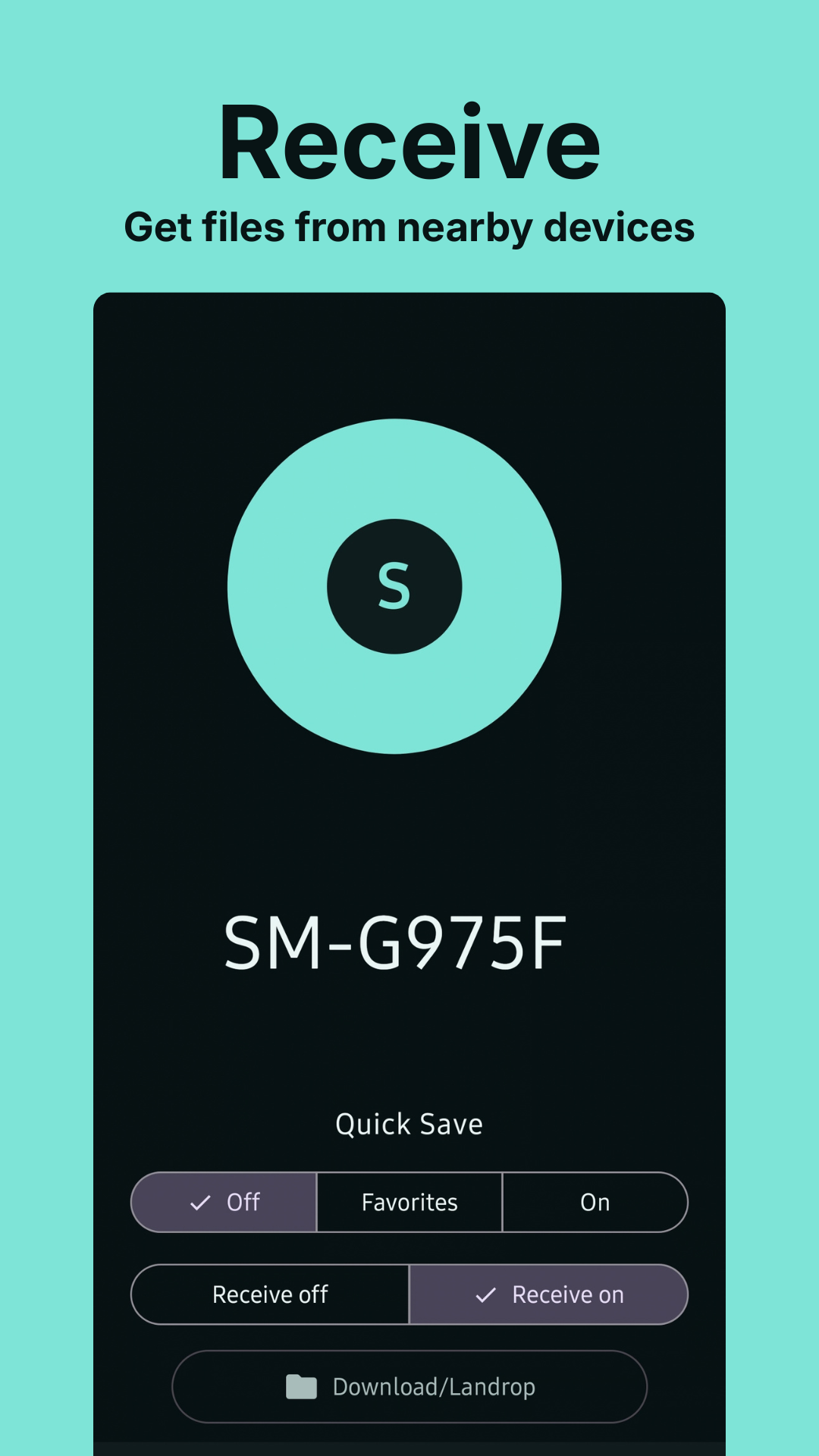
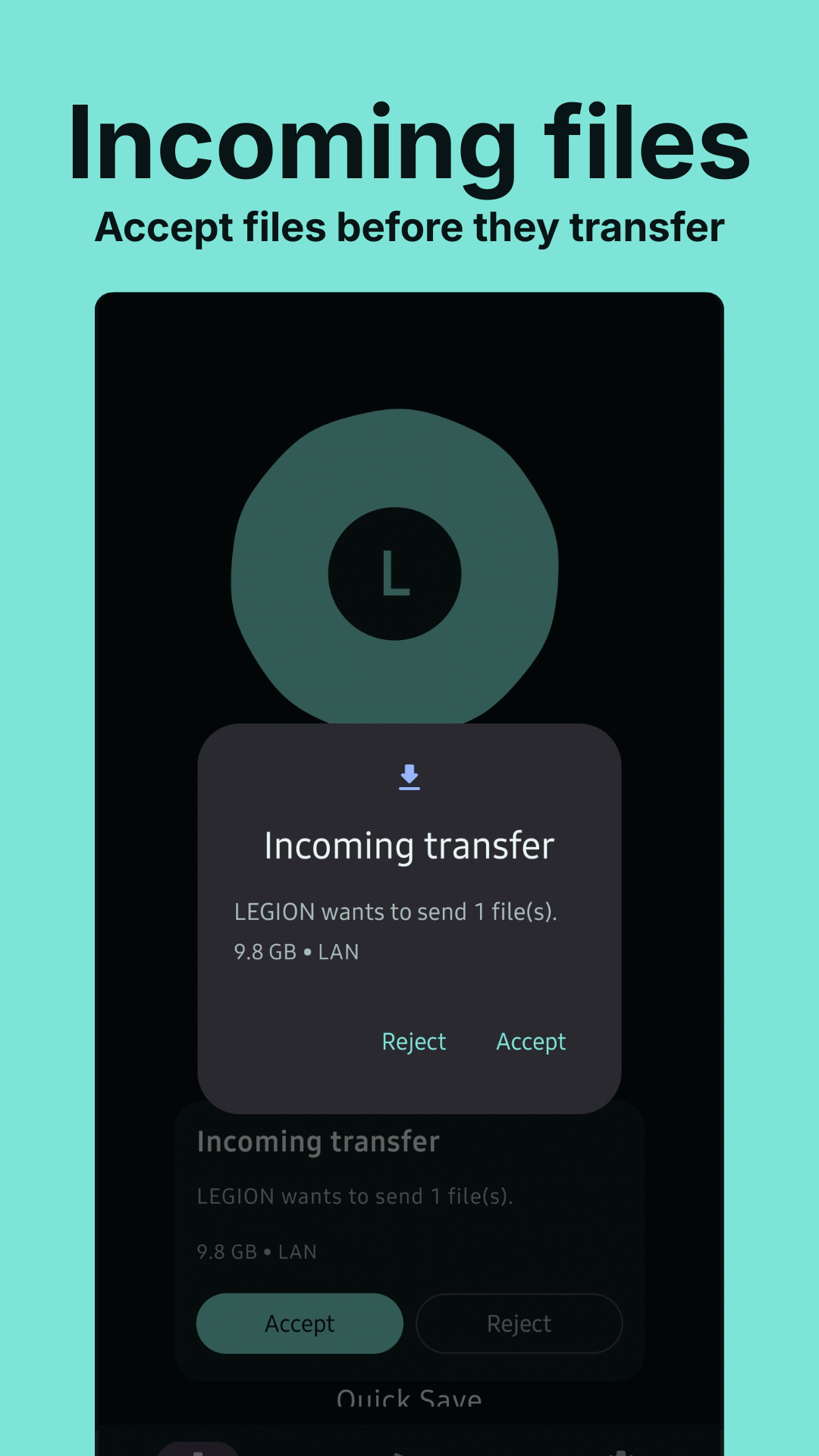
Manual acceptance, optional pair codes, trusted devices, and Quick Save modes make incoming transfers an explicit part of the experience.
Windows & Android · Local networking · Transfer engine · Native interfaces. A closer look at how the pieces fit together.
A lightweight desktop interface backed by discovery, transfer control, and Windows network integration.
Find a peer, describe the selection, stream from disk, and expose progress, speed, pause, resume, and cancellation.
A native client with persistent save folders, categorized received files, and a QR-based Wi-Fi Direct flow.
Discover a peer
Select files or folders
Accept on the receiver
Track the transfer
What the project includes, and why those pieces matter to the experience.
Progress, speed, history, and interruption controls give the user feedback before, during, and after a transfer.
The Windows app uses a Svelte interface with a Rust backend. Android uses native Kotlin and Material 3, keeping the same workflow while fitting each platform.
Discovery filters loopback and VPN-like interfaces, prefers Ethernet, and includes direct-cable IPv4 setup in Windows settings.
Remote invites are a separate prototype. Direct internet transfers depend on port forwarding; private overlay networks remain an external dependency.
Real views of LanDrop.
Select a screenshot to view it in full.
The core sharing experience uses your local network. Android also supports a Wi-Fi Direct flow. Store releases are planned; release links will appear here when available.